Measure
Areas, lengths and counts
Trace an outline for square metres, click along a run for metres, tap items to count them. Every result lands in the panel with its own colour, and the totals update as you go.
m²mpcs
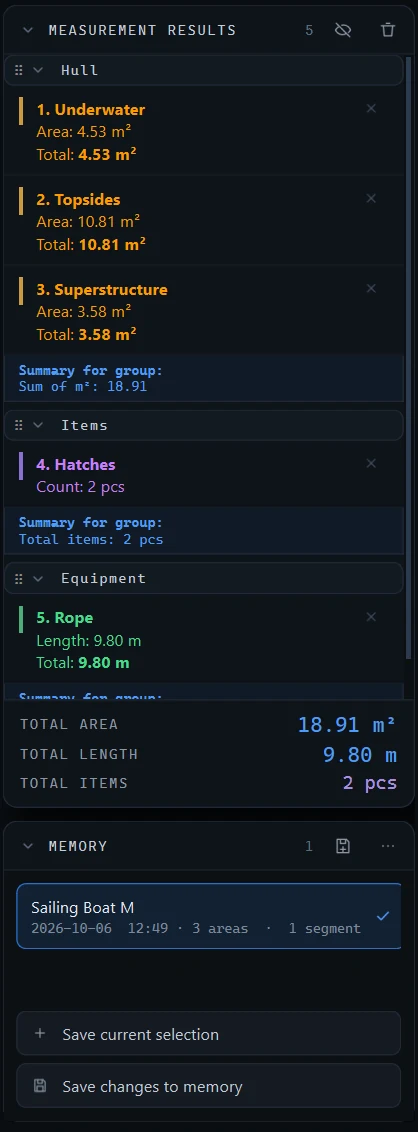
Open a PDF or DXF, set the scale and click around the parts you need. Comprobare adds up areas, lengths and counts as you go. And with the new Marking tools you can colour the drawing in and see how it will look before anyone builds it.
A small browser version of what the app does. Pick a drawing, choose a tool and click on the corners. Points snap to the drawing and the result shows up once the last point is in, just like in Comprobare. The real thing works the same way on your own PDFs.
Like it? The app does this on any PDF or DXF, with groups, subtractions, memory and export on top. Download the free trial.
Plain buttons, clear results, and the features estimators kept asking for. Including the new Marking tools further down.
Trace an outline for square metres, click along a run for metres, tap items to count them. Every result lands in the panel with its own colour, and the totals update as you go.
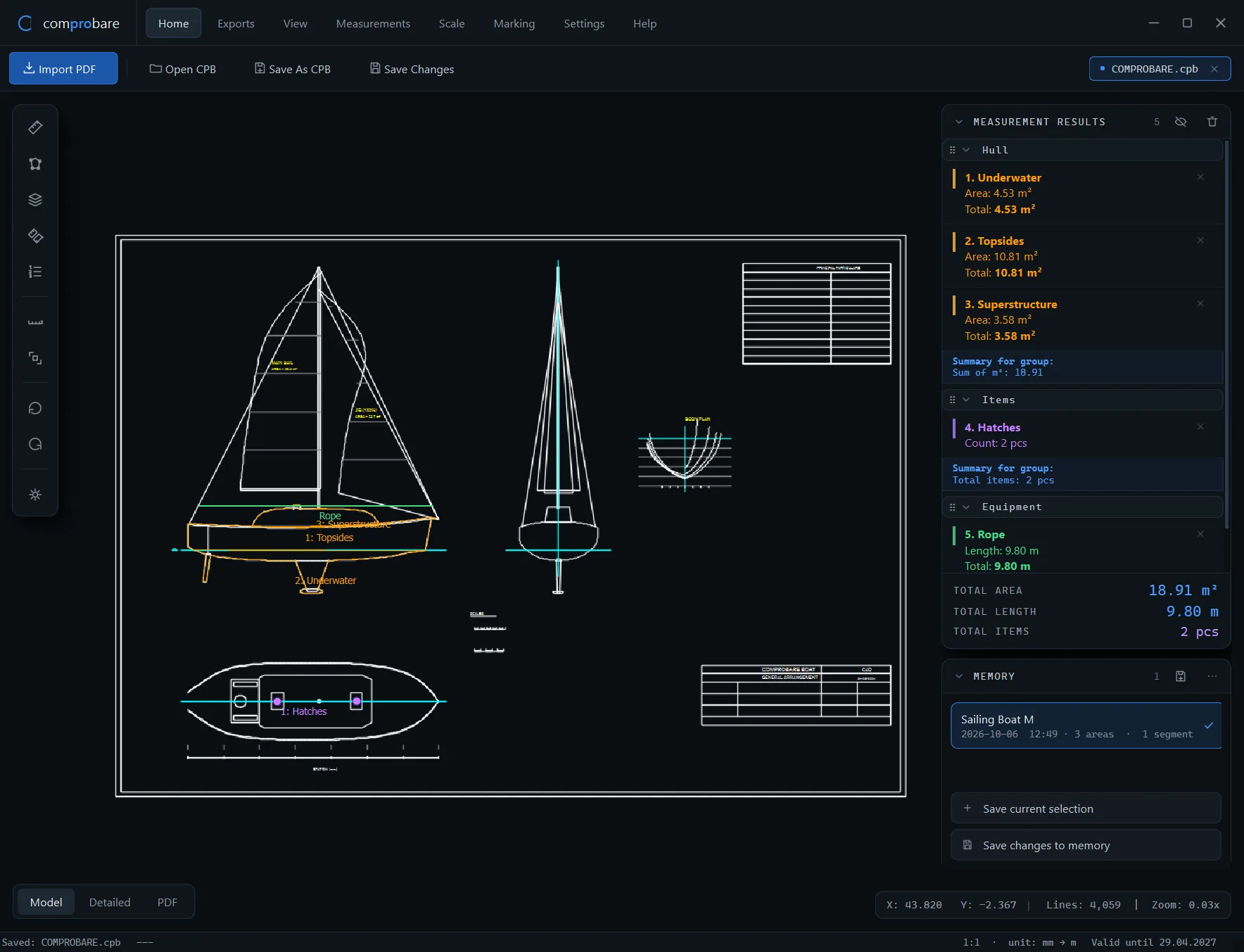
Pick a few separate areas and keep them together as one result. Press S and start clicking.
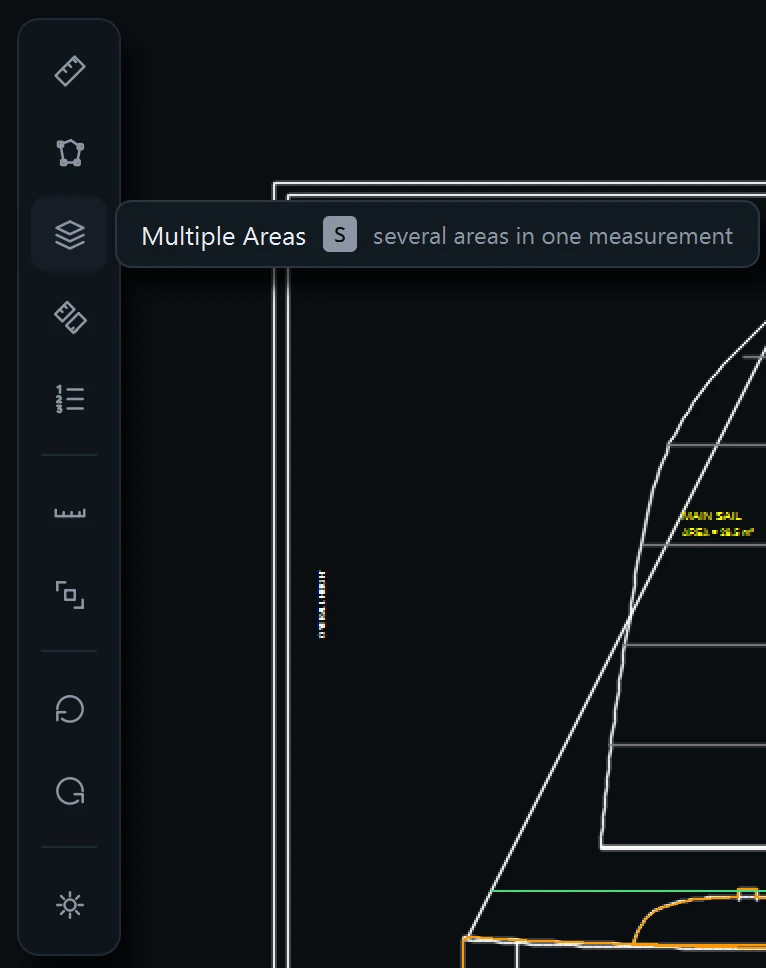
Hull parts in one group, equipment in another. Each group sums itself and the grand total sits at the bottom.
Mark doors, openings or columns and they come off the total on their own.
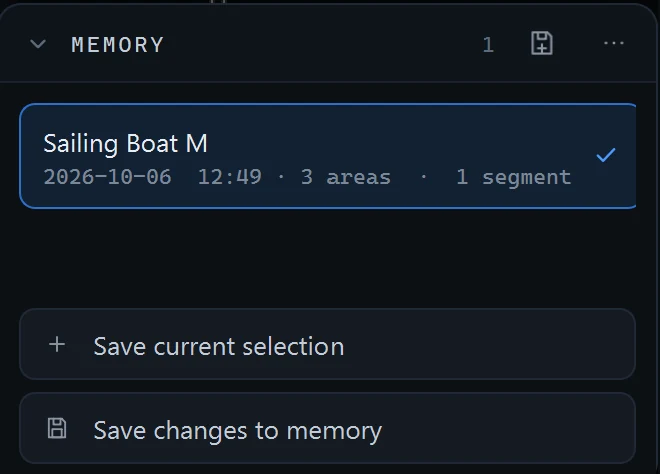
Save a set of measurements and load it again later, or drop it onto the next drawing of the same kind.
Photographed or scanned plans become real lines you can snap to. Three quality settings to match what you've got.
Drawing, measurements and groups in a single file. Email it, archive it, open it next month and carry on.
Copy results into a spreadsheet, export a PDF, save a DXF or print straight from the app.
Marking lets you fill parts of a drawing with colour, add text and place images on it. See how the hull looks in red instead of blue, show a client which rooms get new flooring, or print the plan with your own logo in the corner.
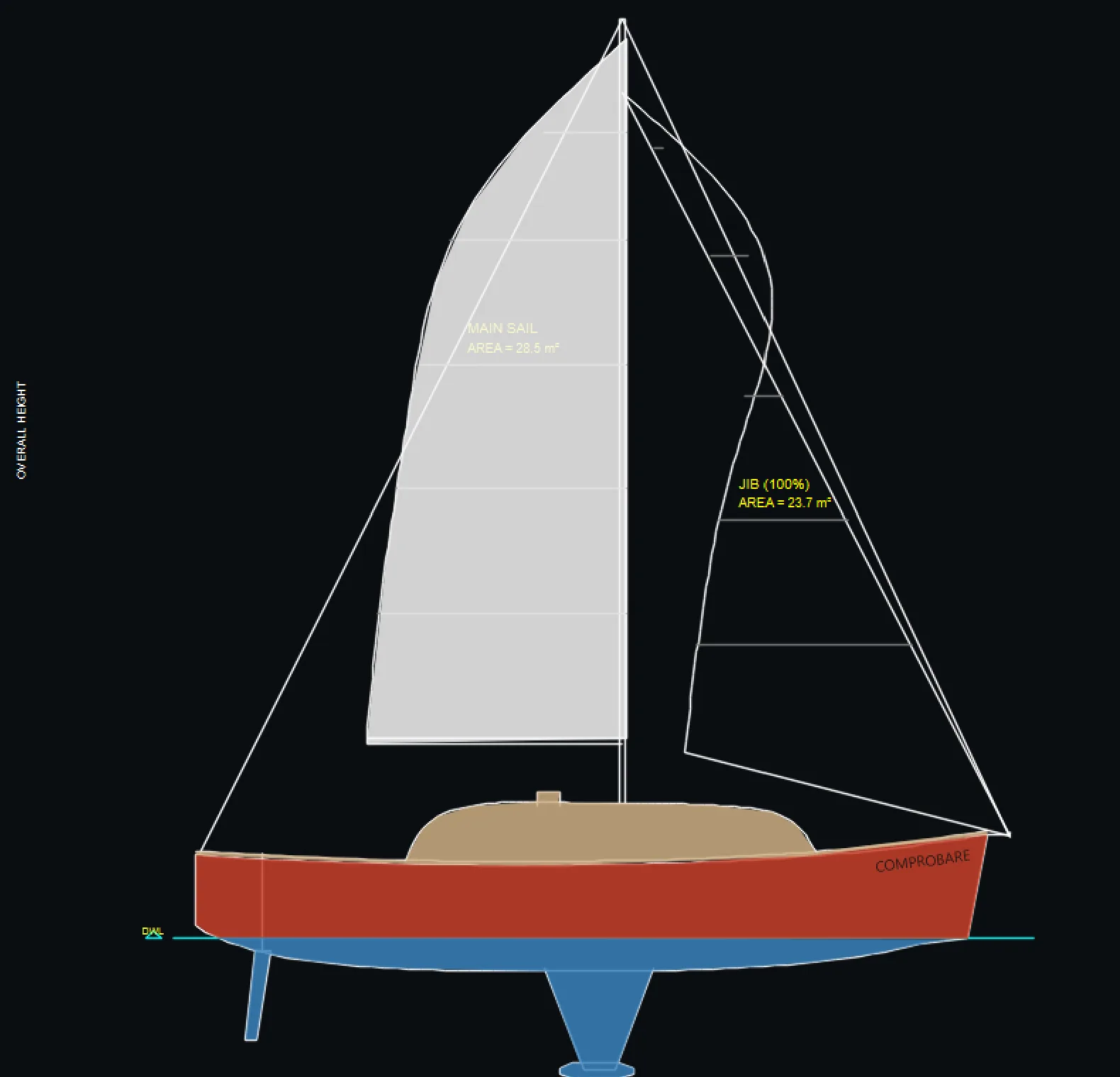
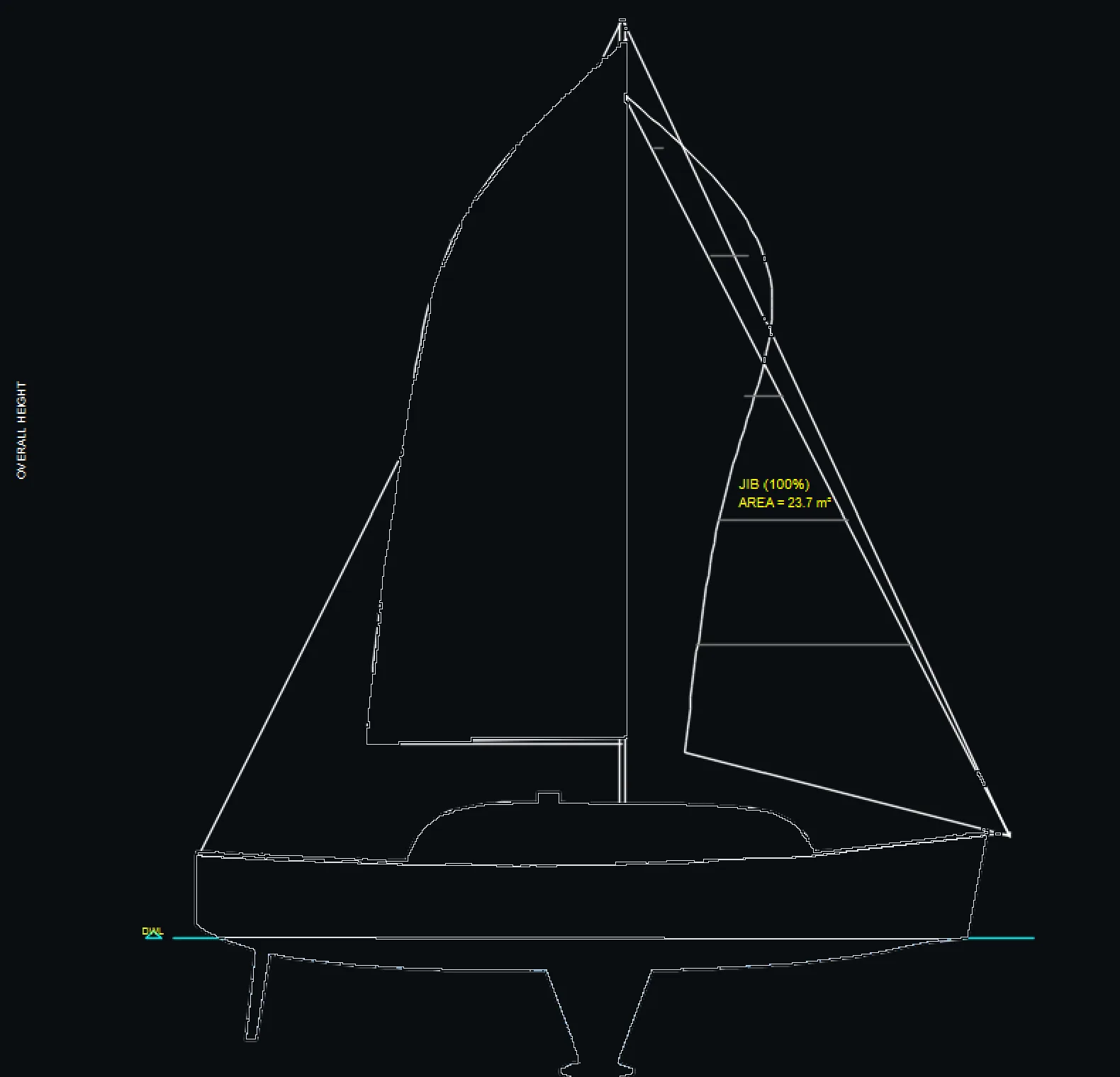
Pick a colour and an opacity, then click inside an outline. Change your mind as often as you like, every fill stays editable.
Try a different colour for the hull, the roof or the facade and look at it next to the original. Cheaper than finding out after the paint is ordered.
Place a PNG or a PDF on the drawing, like your company logo, a stamp or a product image. Every print goes out looking like yours.
Room names, notes, colour codes. Write straight on the drawing instead of in a separate email.
Markings sit on their own layer. Hide them with one click to get the clean drawing back, or send the coloured version to the client.
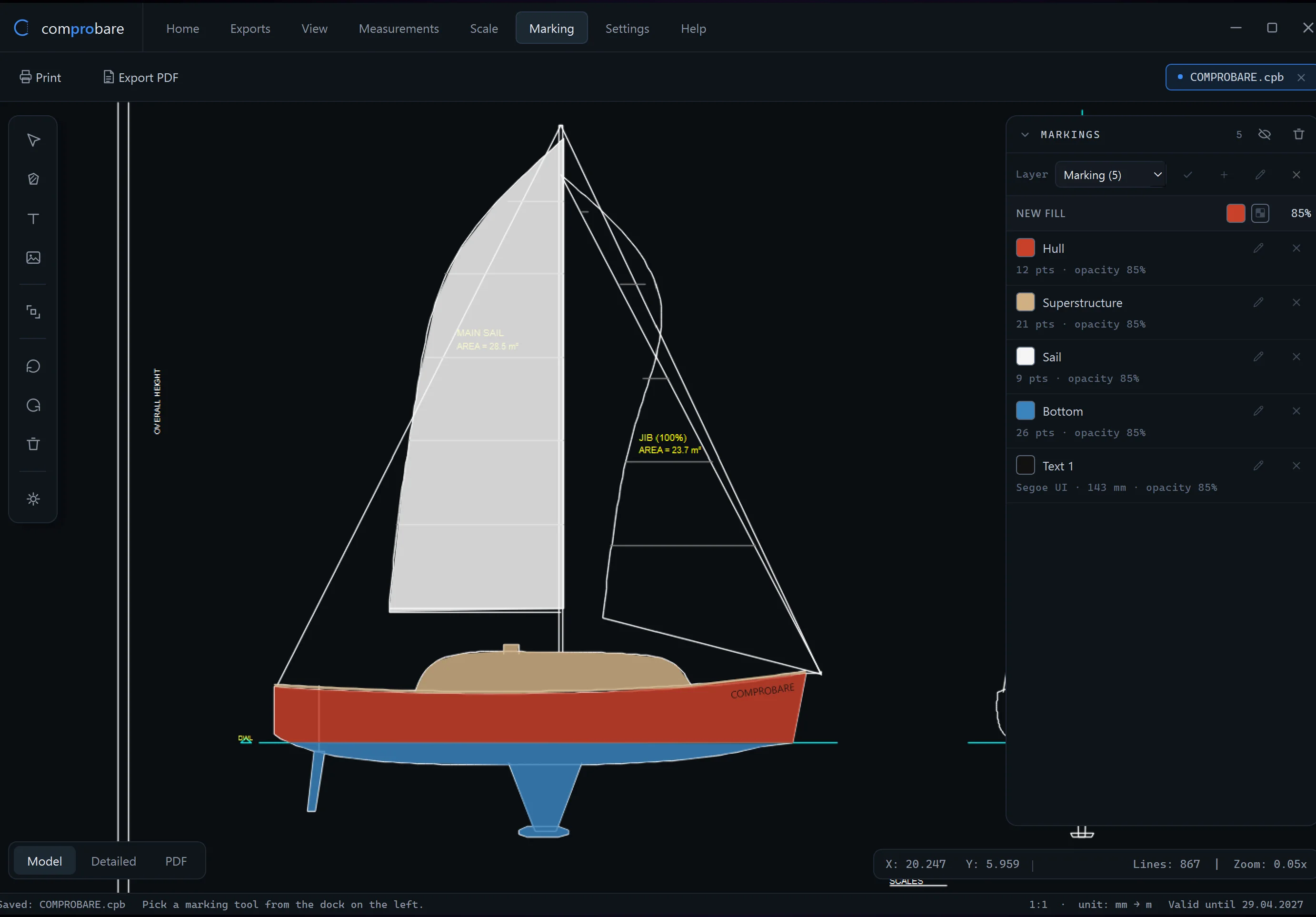
The same five steps whether it's a two-room flat or a forty-metre hull.
Import a PDF or open a DXF. Scanned plans go through PDF to DXF first, so you get real lines to snap to instead of pixels.
Calibrate against one dimension you know, or let Detect Scale read it off the drawing. After that every number is in real units.
Trace areas, lay down lengths, count items. Each one gets a colour and a label right on the drawing.
Results stack up on the right in groups with subtotals. Save the set to Memory and keep the whole job in one .cpb file.
Colour the drawing in, add your logo and a few notes, then print it or export a PDF for the client.
Every license has every feature. Try the full app free for 7 days first, no card needed.
The full app on your own drawings. If it doesn't save you time, you've lost nothing.
One computer, one year, all features and every update in that time.
Card or bank transfer via PayU. VAT invoice included. Purchase terms
One computer, for good. No renewals, no reminders, every feature.
Costs less than two and a half years of the annual plan.
Card or bank transfer via PayU. VAT invoice included. Purchase terms
Need licenses for a whole team? Email us and we'll put a quote together.
One license activates Comprobare on one Windows computer. If you need it on two machines you need two licenses, or email us for a team quote.
Yes. Email us from the address you bought the license with and we'll reset the activation, so the same key works on the new machine.
The app asks for a valid license again. Nothing is deleted: your .cpb project files stay on your disk, and a renewed key picks up right where you left off. The lifetime license never runs out.
You pay through PayU by card or bank transfer. As soon as the payment is confirmed we email you the license key and a VAT invoice.
Yes. Every purchase comes with a full VAT invoice made out to the billing details you enter on the order form.
Yes. There are no add-ons or paid tiers. Marking is part of the app for everyone with a license, and it's in the free trial too.
The 7-day trial is the full application, so you can test everything before paying. Because of that, activated licenses can't be refunded, except where the law requires it or when a technical problem we can't fix stops you using the app. The details are in the purchase terms.
Download for Windows and use every feature free for 7 days. No card, no sales call.